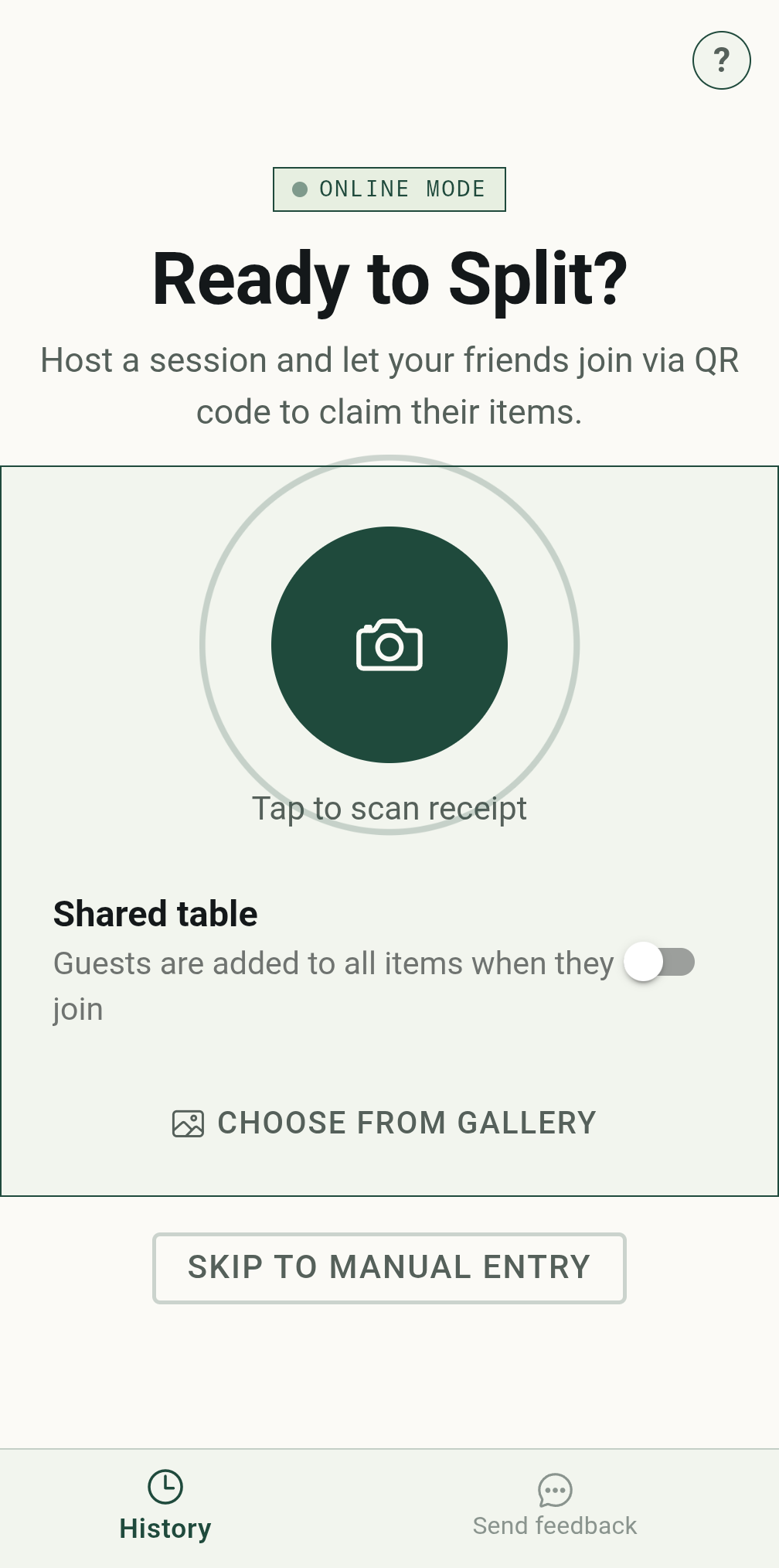
AI reads the receipt so you don't have to.
Point the camera at the receipt, or pick a photo you already took. Two AI models read it independently and are only trusted where they agree; if they disagree, a third settles it. What comes back is a list of lines you can check and correct.
It handles the awkward parts of a real bill — quantities, modifiers on their own line, discounts, VAT bands and a discretionary service charge.
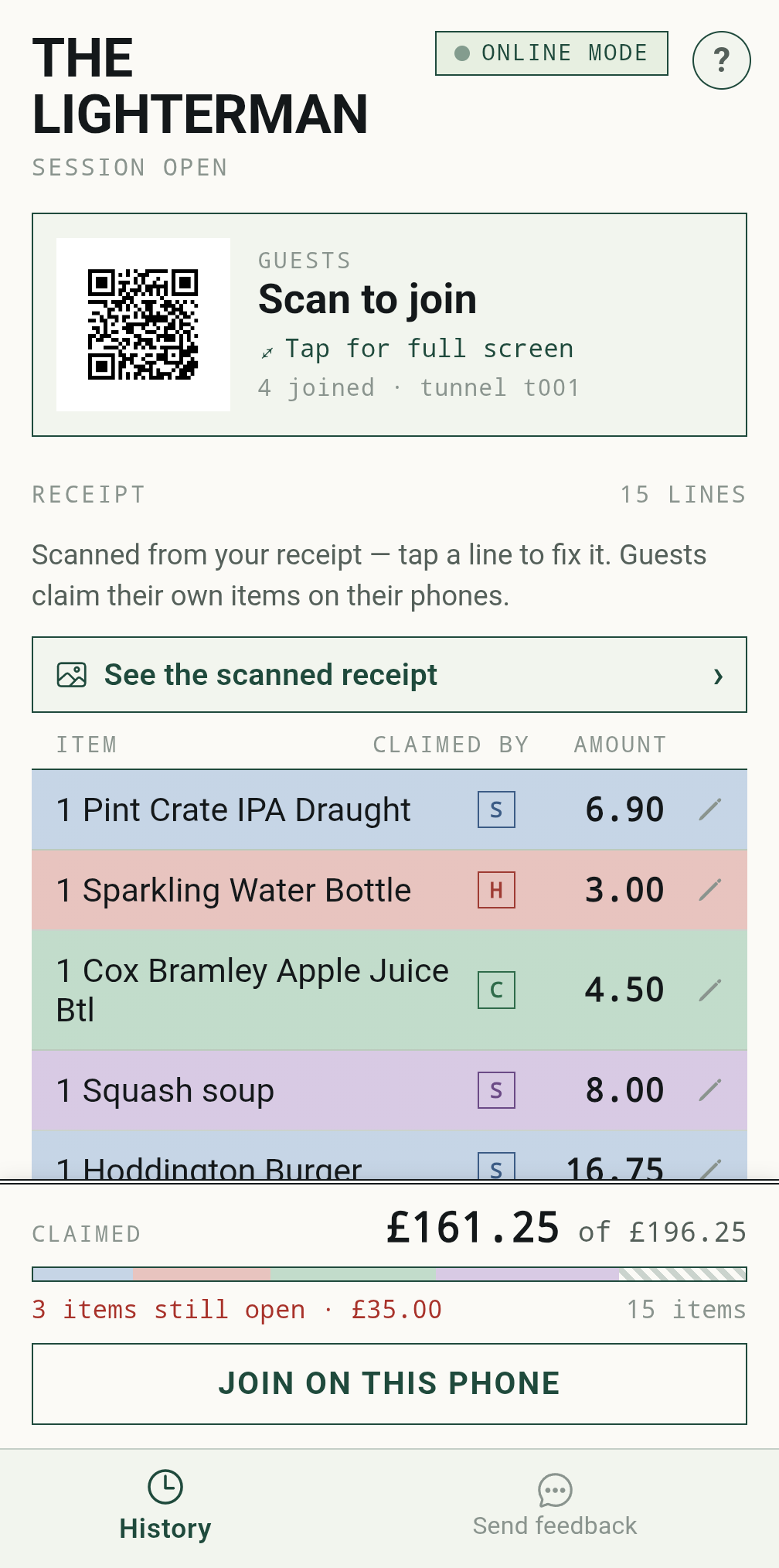
The host runs the table, not the maths.
The host's screen is an administrator's console: the scanned lines, who has claimed what, and a footer that reconciles claimed against total. There is no "your share" here — the host joins the split like anyone else if they want one.
Tap any line to fix a price the AI misread, or add something it missed. Every correction reaches the guests instantly.
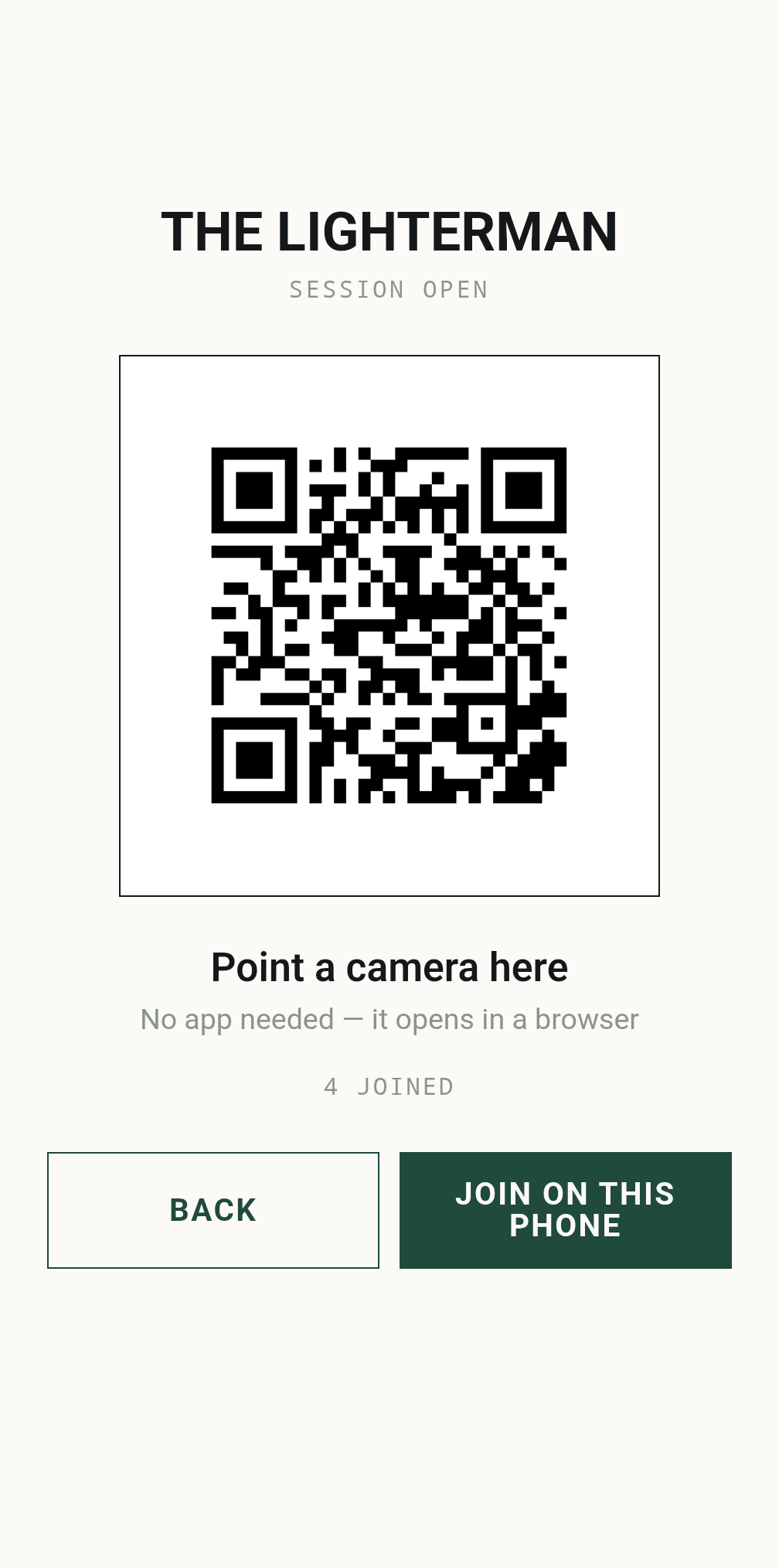
Guests join in seconds.
Tap the QR code and it fills the screen, dark on white, ready to be passed around the table. Guests point a camera at it and a web page opens — no install, no account, no app-store detour. It works just as well on an iPhone.
Away from Wi-Fi, the session is served over a secure tunnel. With no internet at all, an Android host phone makes its own hotspot and the split carries on regardless; an iPhone host needs a connection — any signal, or a Wi-Fi it can join.
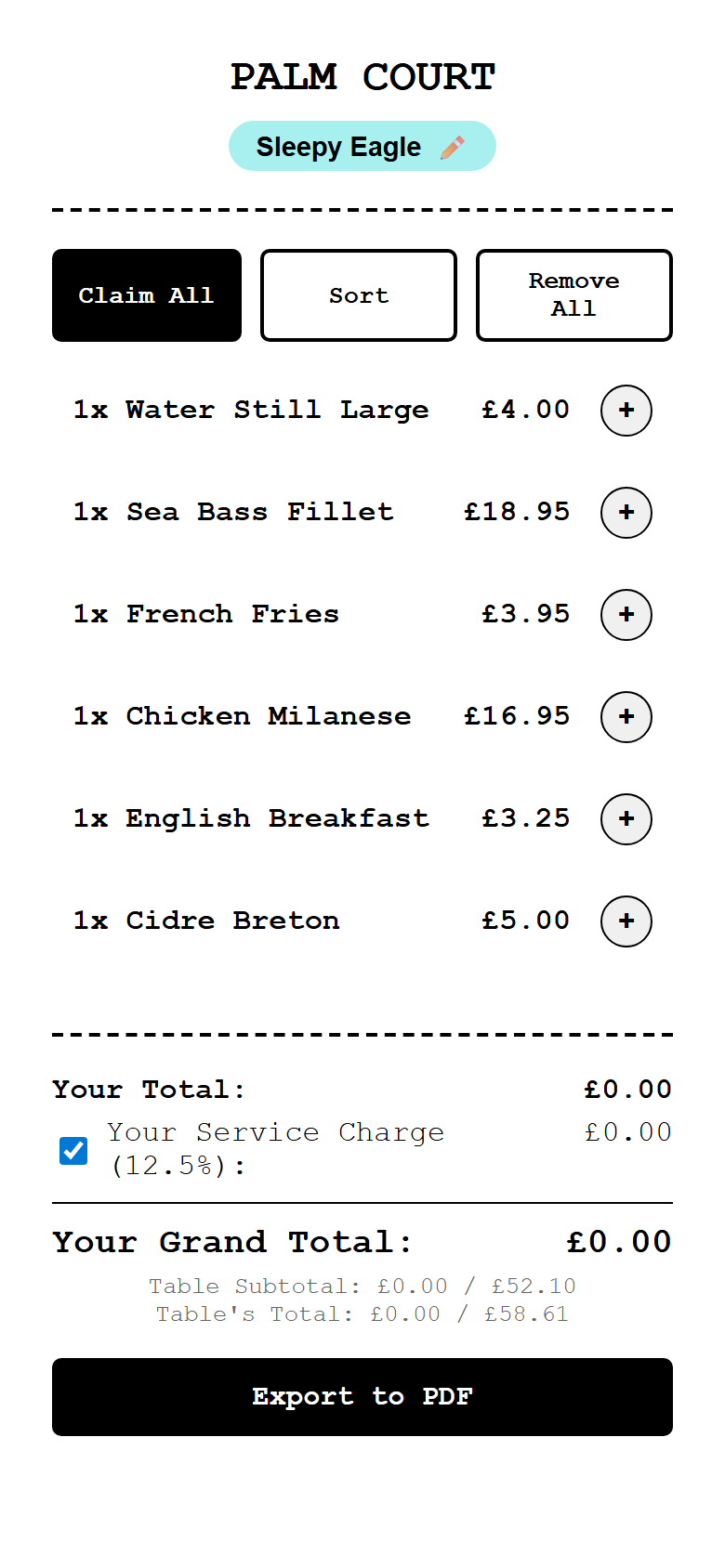
Everyone picks their own.
A guest lands on the whole receipt with a name of their own — a random "{adjective} {animal}" they can change. They tap the plus on the things they ordered, and that's the entire interaction.
"Claim all" is there for the person who ate alone, and "hide others" strips the list back to just your own lines when the table is big.
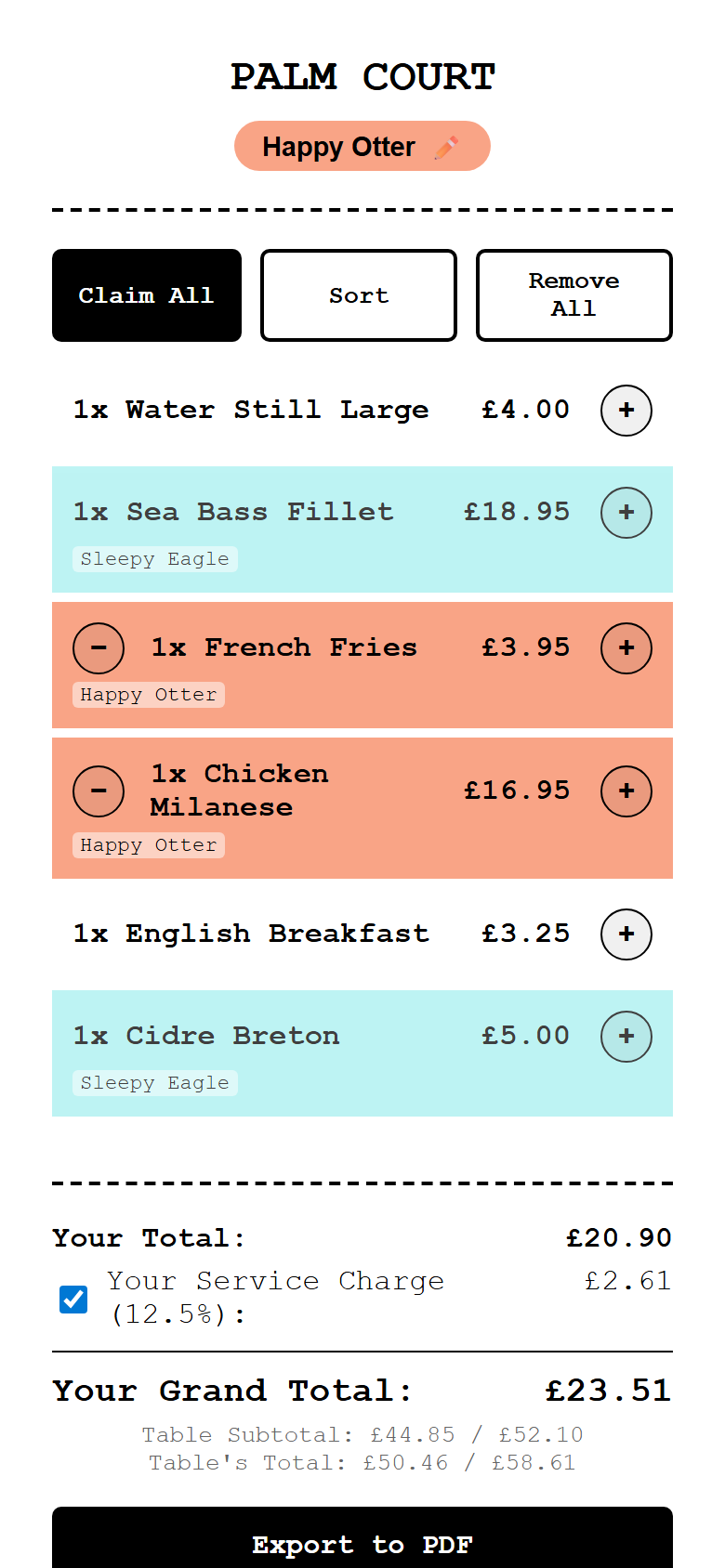
Colour does the explaining.
Every person gets a colour, and a claimed line wears it. A dish two people are sharing is split down the middle in both their colours, so you can see at a glance what is settled and what is still nobody's.
Every claim broadcasts to every phone at once. Nobody has to ask who got the turkey.
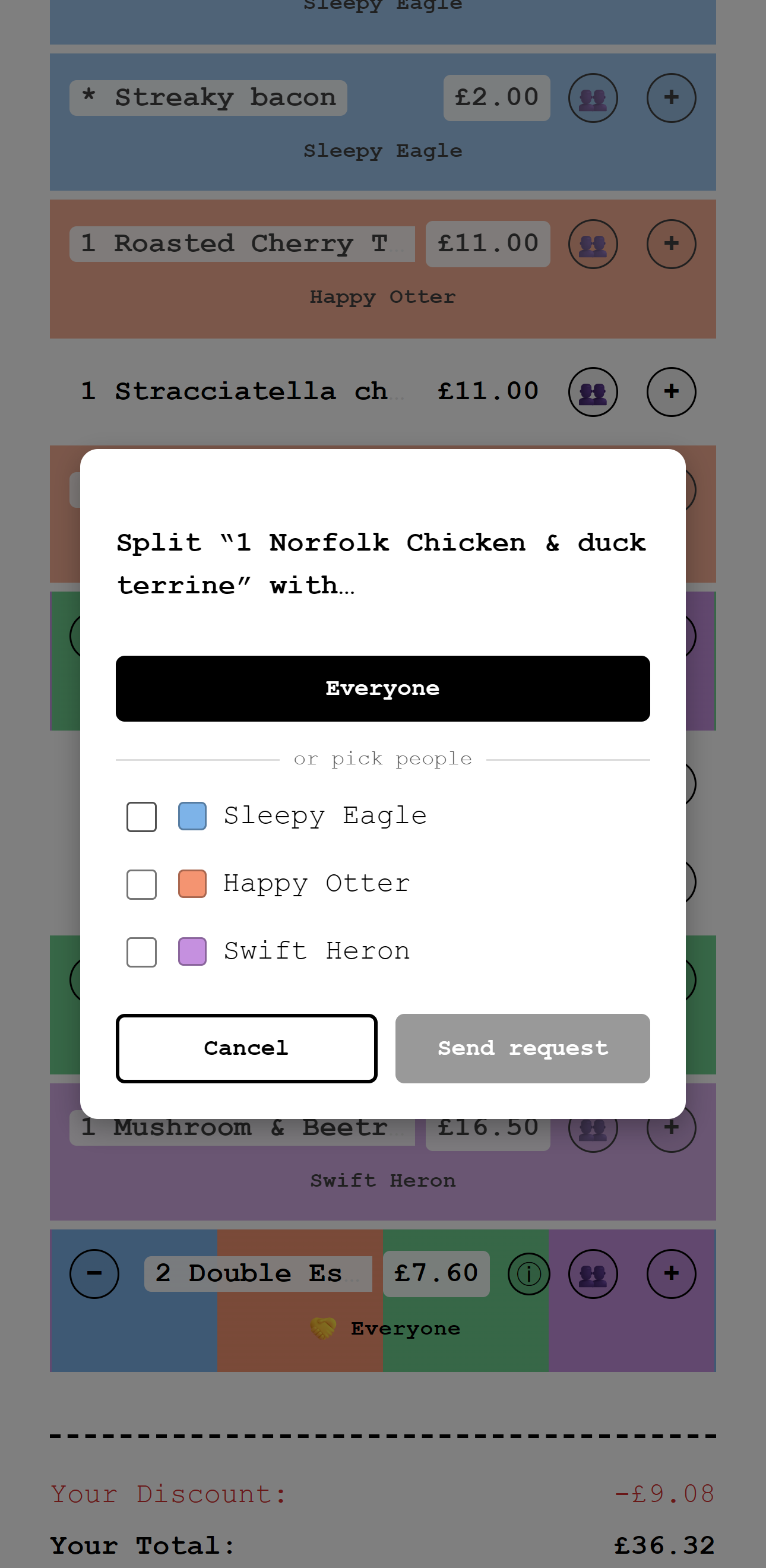
For the things nobody ordered alone.
Sides, bottles and the table's bread are never one person's. Tap the people icon on a line and send it to everyone, or just to the two of you who actually had it.
It's a request, not an order: the people you name get asked, and can accept or decline from their own phone. Nobody gets quietly landed with something.
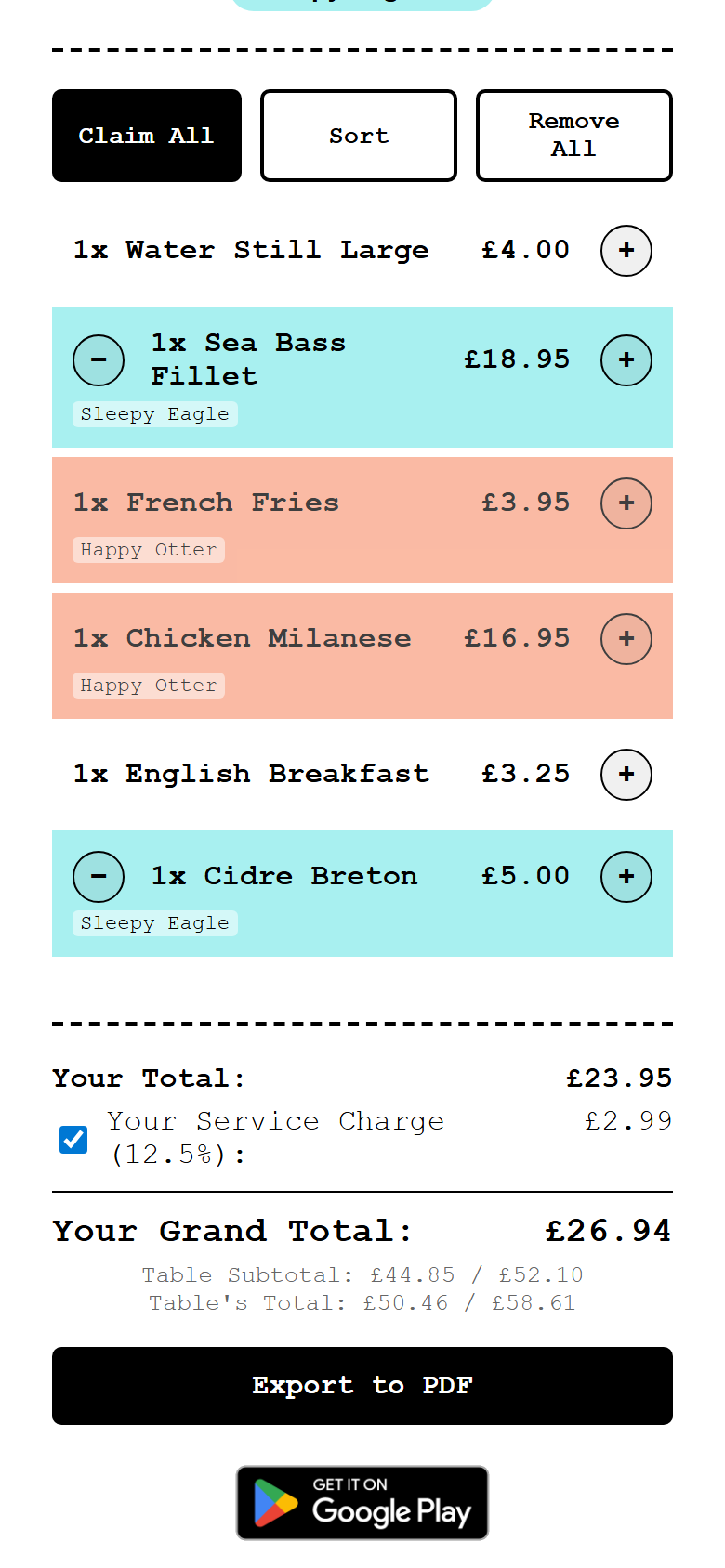
What you owe, and why.
Your share, the discount applied to it, and the service charge on your portion — each on its own line, so the final number is arguable in the good sense: you can see exactly where it came from.
The tip is deliberately separate. A gratuity is a personal decision, so it lives on your phone only: it changes your total and nobody else's, and the host never sees it. Service charge is the shared one, and you can opt out of it.
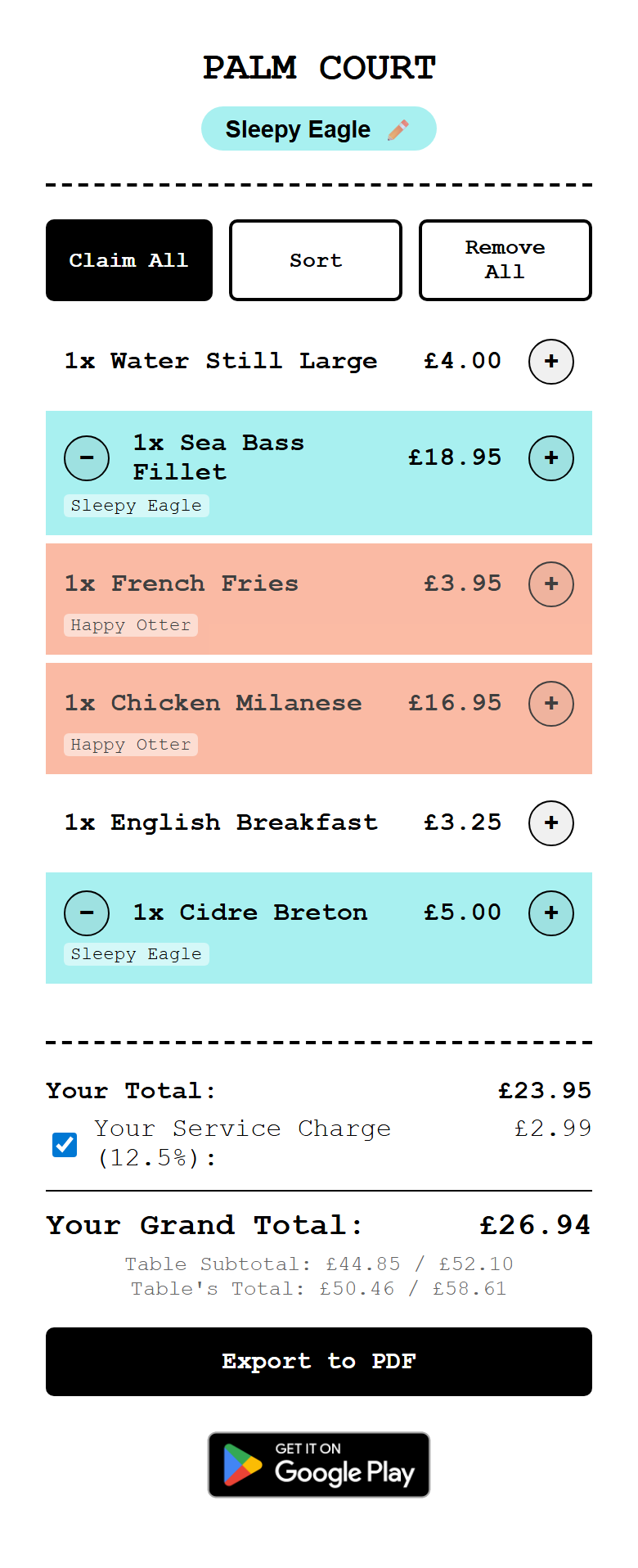
One page, top to bottom.
The whole thing is a single scrolling receipt: restaurant at the top, every line in the middle, your total at the bottom. Nothing is hidden behind a tab.
Export it to PDF when you're done — useful when someone is claiming it back on expenses, since the VAT is attributed to each person's share.